Not long ago, playing a good game on a computer almost always meant buying a disc or downloading a large installer. Today, many enjoyable games run instantly inside a web browser. Both approaches have their place, and understanding the differences helps you choose the right kind of game for the moment. This article compares the two in plain language.
How each type of game reaches you
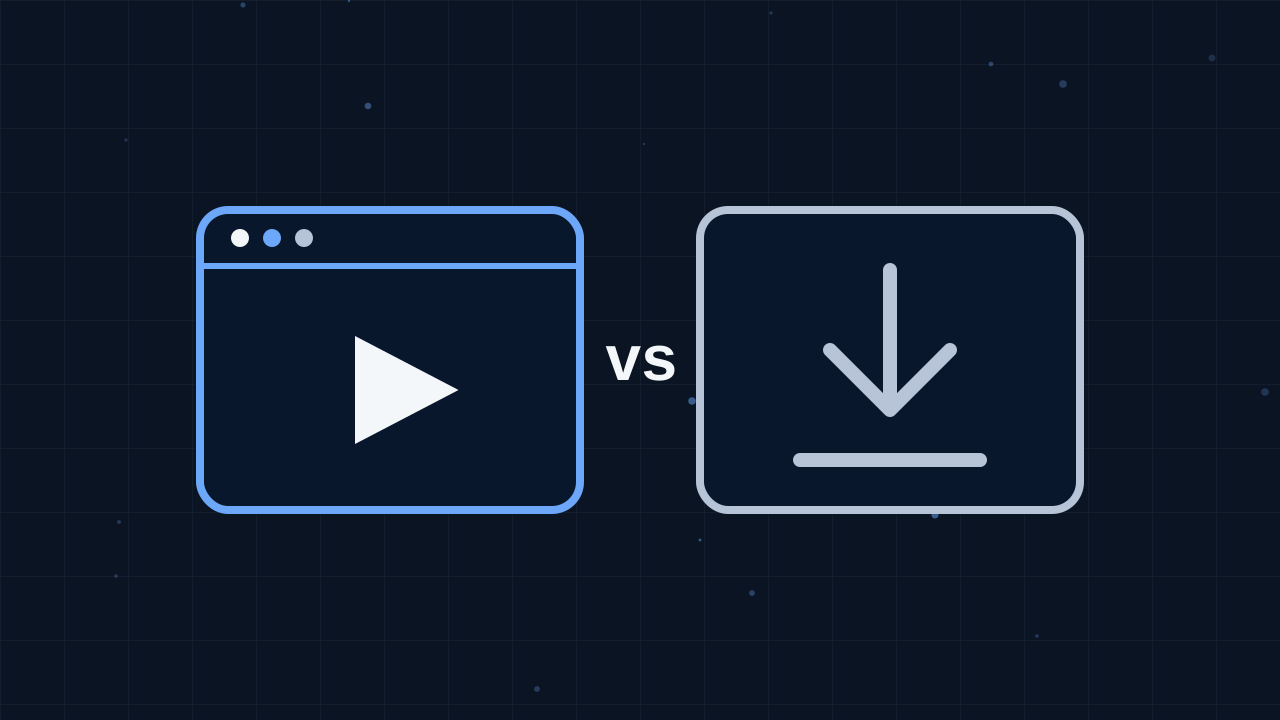
A downloaded game is copied onto your device as a program. You install it, it takes up storage space and you launch it from your desktop or home screen. Updates are downloaded separately, sometimes in large chunks.
A browser game is delivered as part of a web page. When you press play, your browser fetches the files it needs and runs them on the spot. Nothing is installed in the traditional sense, and when you close the tab the game simply stops. The next time you visit, you get the latest version automatically.
Convenience
Convenience is where browser games shine. You can go from curiosity to playing in seconds. There is no installer to approve, no space to free up and no waiting for a long download to finish. That makes browser games ideal for short breaks, for trying something new without commitment and for devices where you cannot or would rather not install software, such as a shared family computer.
Downloaded games ask for more effort up front, but once installed they are always ready, even if your internet connection drops. Some can be played completely offline, which is helpful when travelling.
Storage space
Large installed games can take up a significant share of a device's storage, and keeping several of them around adds up quickly. Browser games use only a small amount of temporary space while they run, plus a little stored data if they save your progress. If your phone or laptop is always running low on space, browser games are a practical way to keep playing without constant clean-ups.
Performance and graphics
Installed games have more direct access to your device's hardware, which allows for the most detailed graphics and complex simulations. Browser games have improved enormously and can now handle smooth 2D action, colorful 3D worlds and realistic physics, but the most demanding experiences are still usually installed programs.
For most everyday play, though, the difference does not matter. Puzzle, arcade, casual, idle, cooking and many racing and action games run beautifully in a browser. If a particular game feels slow, our guide to making browser games run smoothly has simple fixes.
Updates and maintenance
With a downloaded game, you are responsible for installing updates, and older versions can stop working if your system changes. Browser games update themselves: the developer changes the files on their servers and everyone gets the new version on their next visit. There is no maintenance for you at all.
Cost
Both types of game can be free or paid. Many browser games, including every game on this site, are free to play and supported by advertising. Some downloaded games are free too, though they often rely on in-game purchases. Whichever kind you choose, it is worth reading how a game makes money so there are no surprises.
Safety
Installing any program gives it a certain level of access to your device, so it is important to download games only from trustworthy sources. Browser games run inside your browser's protective environment, which limits what they can do. They cannot install software or read your personal files on their own. That does not mean you can ignore safety completely, and our article on staying safe while playing games online covers good habits, but browser games are generally a low-risk way to play.
Saving progress
Installed games usually store save files on your device or in an online account. Browser games commonly save progress in the browser itself, which works well as long as you keep using the same browser on the same device. Clearing browser data can erase that progress. You can read more in our explanation of how browser games save progress.
Which should you choose?
There is no single right answer. A simple way to decide is to think about how much time and commitment you want to give:
- Choose a browser game when you want to play right now, have limited storage, are using a shared or work-free device, or want to try many different games quickly.
- Choose a downloaded game when you want a long, detailed experience, need to play offline, or are looking for the highest possible graphical quality.
Many players enjoy both. Browser games are perfect for discovering new genres and filling small gaps in the day, while installed games suit longer sessions. If you are curious about a style you have never tried, a browser game is a wonderful low-effort way to find out whether you like it.
Try it yourself
The easiest way to understand the appeal of browser games is to play a few. Visit the Categories page, pick a genre that interests you and start a game. Within a minute you will see why so many people keep a favorite browser game bookmarked for a quick bit of fun.